Description
The Services Framework GoogleServicesFramework Google Google Android system official framework for as Google software support platform.
Google application store, for example, need the support of this framework, a lot of country phone line or revision ROM delete this framework, resulting in part of the Google app non-normal operation.
Players need to download and install software without any interface after installation. Apps Details
-Price: Free
-Version: 6.1.11
-Size: 15.2 MB
-Required android: 1.5 and Up
Description
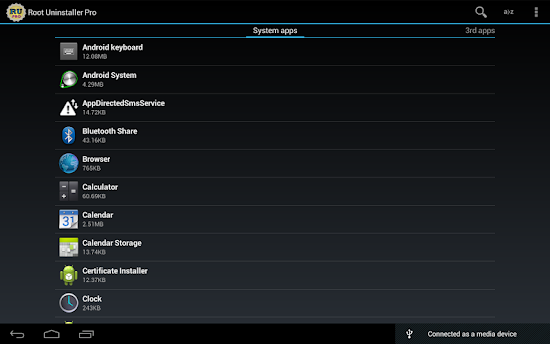
Don't like stock or system applications? It's for you. This application can freeze pre-installed applications on your phone and more.
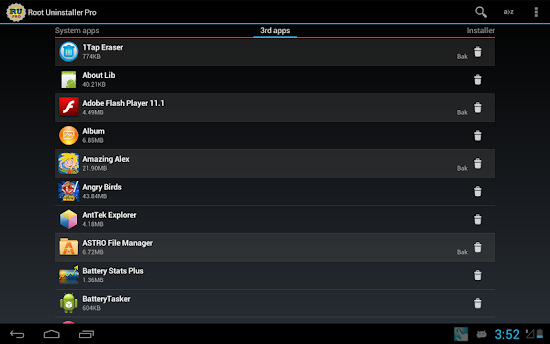
Very fast and simple uninstaller tool on single click for uninstalling both SYSTEM and REGULAR applications.
For ROOT+NAND unlocked devices
☆ Uninstall system applications
☆ Freeze or disable bloatware, stock and regular applications (keep updates)
☆ Defrost or enable applications (Free trial or PRO)
☆ Backup system application .apk to sdcard (that can reinstall later)
☆ Restore backed up applications
☆ Reset applications to fresh install state
☆ Delete definitively system applications
☆ Hide my App: launch a frozen app and automatically re-freeze on app closing (Pro only, tap on Launch->Freeze button )
☆ Explore application data folder, code folder (ex. edit preferences, need AntTek File Explorer)
For NON-ROOT devices
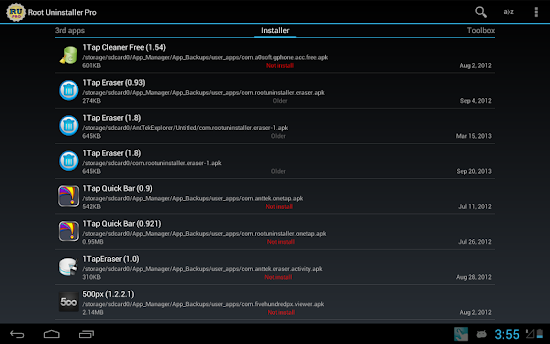
☆ Quick APK list to show all available .APK files on SDCard
☆ Keep Market reference and can restore after factory reset/change devices
☆ Manage to clear data, cache (manually)
☆ Manage .apk files: delete, install, install as a system app (PRO)
☆ Single click to uninstall a listed applications (Batch uninstall).
☆ Rapid load application list
☆ Display application name, icon, package name
☆ Exclude system applications (that you can not uninstall)
☆ Filter by third-party applications, system applications, applications on sdcard. backup applications or frozen applications
☆ Support large screen (ex. tablet) views
☆ Explore application data folder, code folder (ex. edit preferences, need AntTek File Explorer)
Trial on Free version :
☆ Three times to defrost or restore apps for Free version
IMPORTANT***IMPORTANT***
☆ Make sure you app is granted by SuperUser
☆ If you CANN'T freeze/defrost, try to enable USB Debugging (HOME/Settings/Application/Development/USB Debugging)
☆ If you CANN'T restore backup app, try to "find apps on SD card" then long-press the app and select "install as system app".
☆ This application uses SDCARD to store data
☆ PRO and FREE version are fully compatible Apps Details
-Price: $2.48
-Version: 7.2.249
-Size: 2MB
-Required android: 2.3 and Up
-Developer: Root Uninstaller
Description
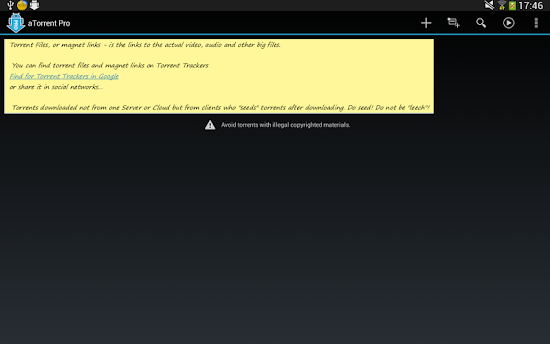
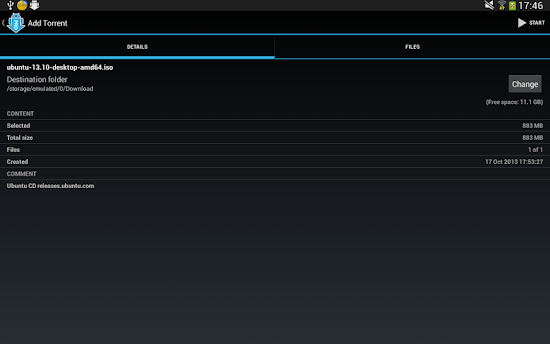
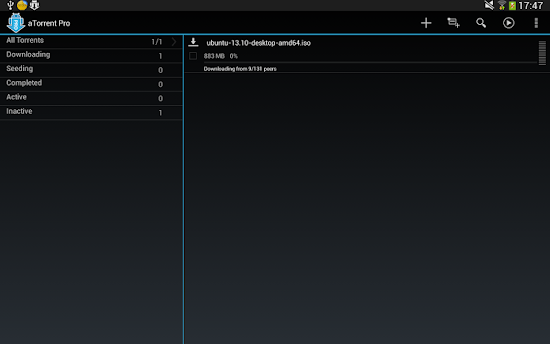
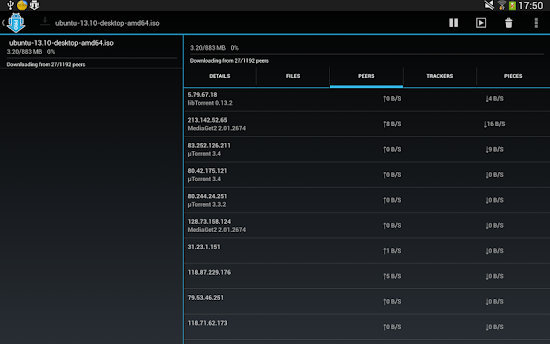
aTorrent PRO - Native P2P BitTorrent Software for Android devices. Download files with ease right to your phone or tablet!
Professional (Ad-free) version.
Features:
* Dark and Light themes
* Torrent search dialog
* Open torrents right from browser
* Magnet links support
* Add torrent from file
* Choose download folder
* Partial download (choose files from torrent)
* Multiple parallel downloading
* Option to limit downloads by Wi-Fi
* Option to pause downloads when external power supply is not connected
* Supported protocols: BitTorrent P2P, DHT, Advanced DHT Bootstrap, Magnet links, HTTP & UDP Trackers
* Large files support (for FAT32 SD cards - 4Gb maximum, for internal storage - unlimited file size)
Coming soon:
* Many other features in development.
! If you have installed any Free RAM/Task manager application, then add aTorrent to it's exclusion list to avoid unloading from memory and stop downloading.
! Use High Speed (Class 10+) memory cards for downloading to prevent lags.
What's New
2.2.2.8
-some bugs are fixed
+ files download priority added
-android 2.1 now is not supported
2.2.0.5 - 2.2.1.3
+update to libtorrent 1.0
2.2.0.4
-fixed download limit setting
-fixed torrent file opening after download in browser
2.1.6.3
+ Save to external storage for KitKat
2.1.5.7
+libtorrent 16.16
+ tablet UI reorganized
2.1.4.7
+Download queue management
+Settings UI changed
+now you can change folder while magnet being demagnetized
+encryption support Apps Details
-Price: $4.95
-Version: 2.2.2.8
-Size: 5MB
-Required android: 2.3 and Up
-Developer: Mobilityflow
Description
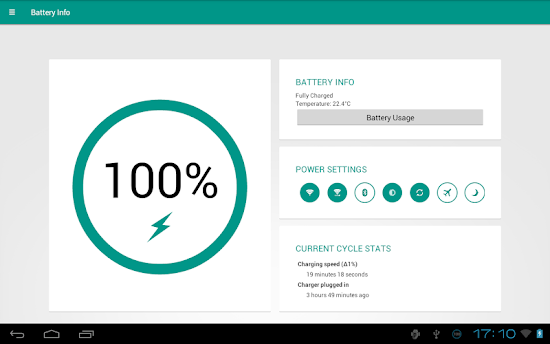
Stylish battery widget with advanced functionality. Material theme design perfectly matches Android 4.x.
For full info about the app please visit http://www.batterywidgetreborn.com/index.html.
Please note that paid version maybe slightly delayed comparing to Beta version. We deploy Beta features into paid version after a few days of testing in Beta.
Application features:
This app provides following functionality:
Battery widget
- circle battery level indicator indicator perfectly fits pure Android design
- resizable on Android 4.x+
- support for both main and external dock battery (Asus Transformer only)
Basic battery info
- Battery Info
- Shortcuts to Power-Summary/Background Sync/Wifi/BT Settings
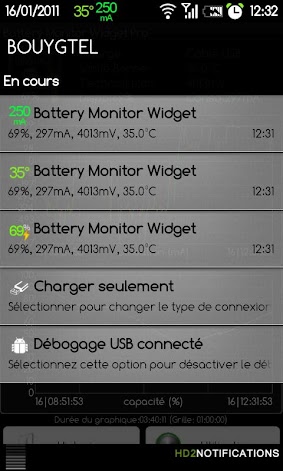
Status bar notification of battery status
- multiple icon styles
- prediction (estimation) how long battery lasts
- customisable texts in notification area (estimated time left, voltage, temperature, battery health)
Power saving functionality
- automatic power saving mode during the night (simple but powerful battery saver functionality)
Charging and discharging chart
Extended notifications support for Jelly Bean phones
- optional charging and discharging chart
- power related toggles:
- Wifi
- Bluetooth
- Background Sync
- Airplane mode
- customizable notification priority
Additional tools
- Torch
- Settings shortcuts
- DashClock Extension
Specific HW vendor support
- supports Motorola 1% increment
- supports Asus Transformer secondary (dock) battery
Material themed interface on phones with Android 4.0+
Installation and operation notes
- Task Killer or Task Manager may affect this app. Please don’t use them if app does not work as expected
- App is highly optimised and DOES NOT drain you battery
- Known issues are at http://www.batterywidgetreborn.com/known-bugs.html you can prioritise bug fixes and enhancements there by voting
- Frequently asked questions are at http://www.batterywidgetreborn.com/faq.html, look there before sending support request
- Due to the limitation of the Android platform, home screen widgets will NOT be available if application is moved to SD card.
- Some devices indicate battery level every 10% due to their kernel design (known ones are: most Motorola devices including Droid and Atrix series, Samsung Moment series). Try to use Motorola 1% hack feature if your phone is among these devices
- In Android 4.0, the system may shrink and dim level indicator icons in status bar.
Voluntere for translations at http://translations.hubalek.net/app/bwr
Which version to download?
If you like Material Design install either Beta or Pro version
- Beta and Pro flavours of the app are Ads free.
If you like Holo Theme install Classic version
- Classic has two options how to reward developer for his effort: either single payment for Pro functionality or Ad Supported version Apps Details
-Price: $2.03
-Version: 2.1.0
-Size: 5MB
-Required android: 2.3 and Up
-Developer: Tomas Hubalek
Instruction: (Ucloud/zippyshare)
-Put Data on SDCard\
-Install Apk
-Launch the App
Description
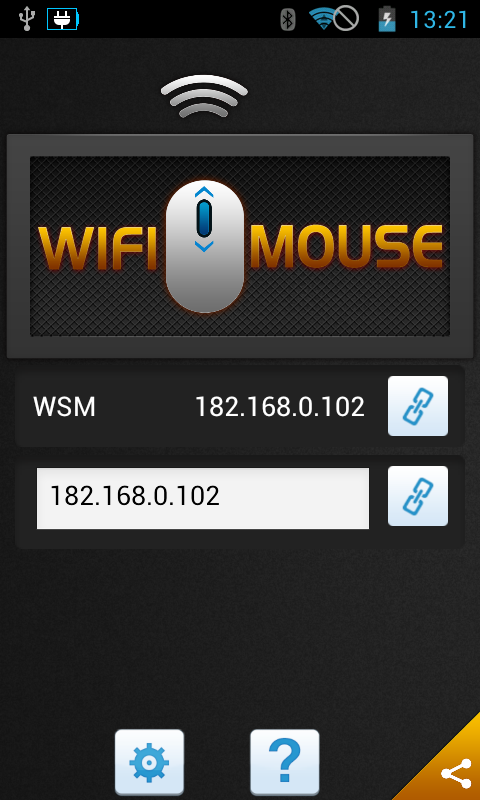
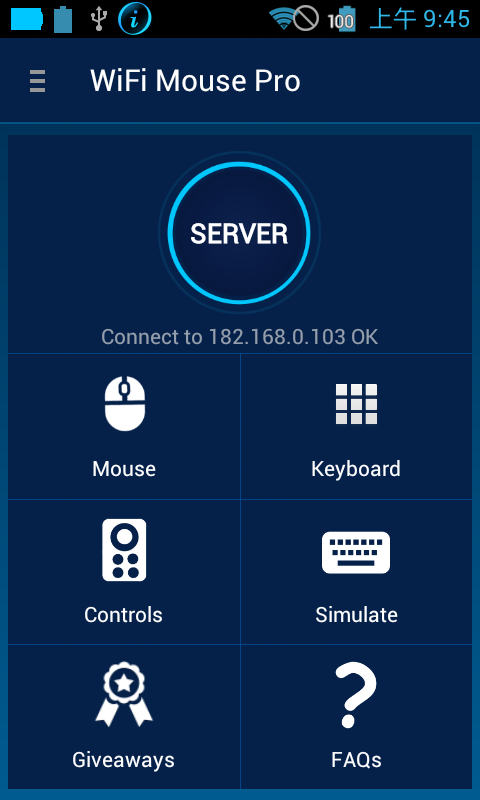
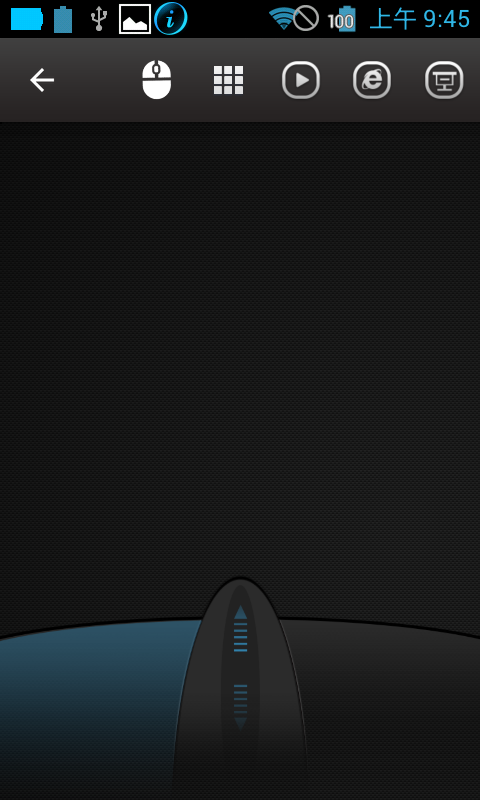
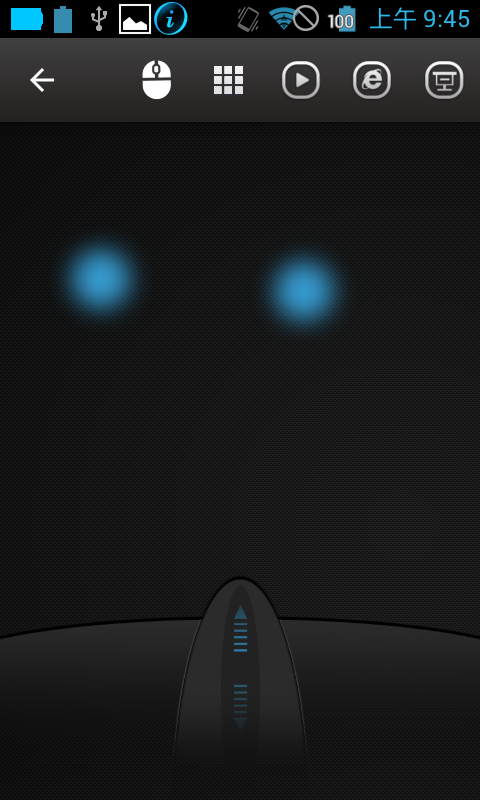
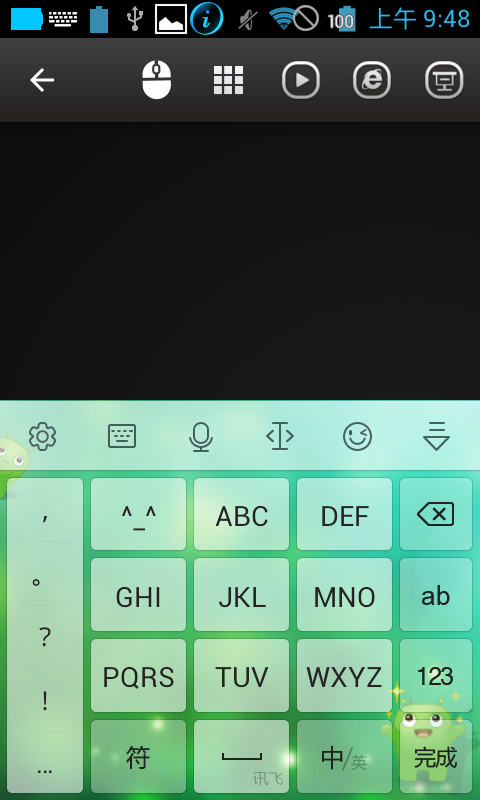
Transform your phone into a wireless mouse, keyboard and trackpad using WiFi Mouse. WiFi Mouse supports speech-to-text as well as multi-finger trackpad gestures. It also support media controller, explorer controller and ppt presentation controller features. WiFi Mouse enables you to control your PC, MAC or HTPC effortlessly through a local network connection.
Features:
* Mouse cursor movement:
Slide on phone's screen to make the PC/Mac mouse cursor make movement.
* left and right click support
Tap the phone's screen to make PC/Mac mouse left button click.
Double fingers tap the phone's screen to make PC/Mac mouse right button click.
* Middle mouse button scroll
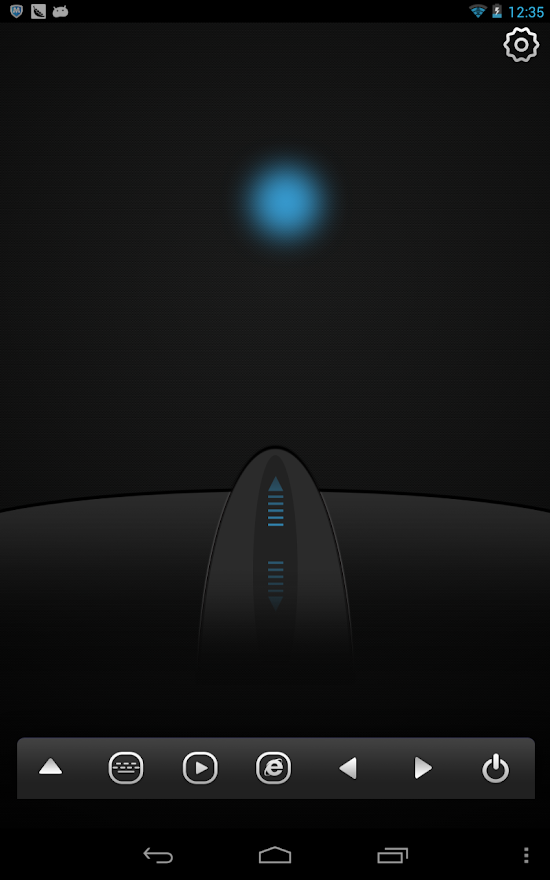
Up/down slide the phone's middle button picture to make PC/Mac middle mouse button scroll.
Two fingers slide up/down to make PC/Mac middle mouse button scroll.
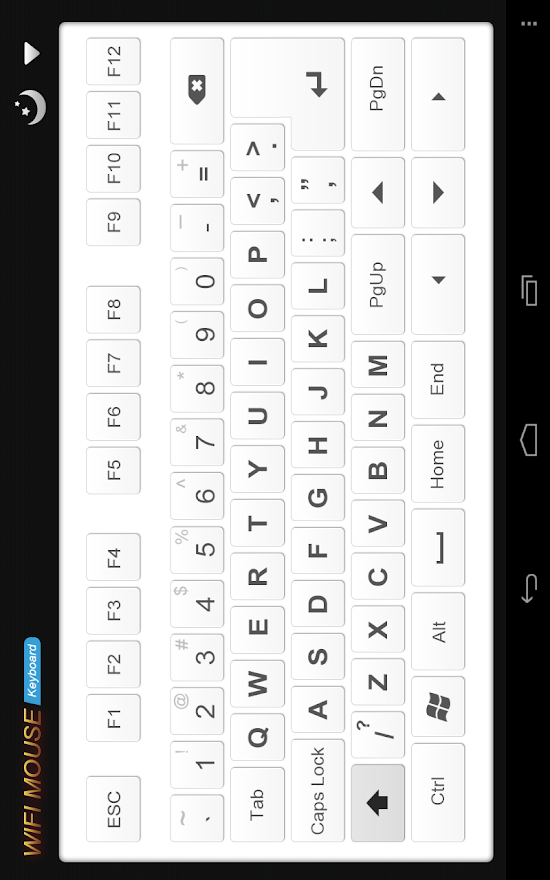
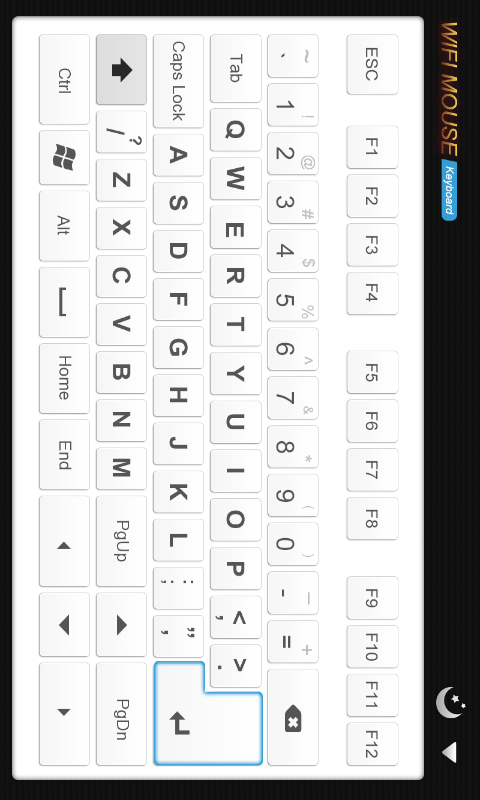
* Remote keyboard input:
Press any mobile phone's key picture, PC/Mac will do the same thing.
* PC/Mac hot keys and combination key:
You can press two keys at the same time, such as ALT+F4,Ctrl+C,Ctrl+P and so on.
* Speech-to-text input for all languages:
If you input method support voice input, PC/Mac will show the same text as the phone get.
* Close to proximity sensor to show desktop:
When your hands close to the phone's proximity sensor to make PC/Mac show desktop.
* Mouse & keyboard full screen:
Very big Mouse buttons and key button.
* Remote media player controller:
You can play/pause/next/previous media players, such as Windows media players, VLC,
Winamp and so on.
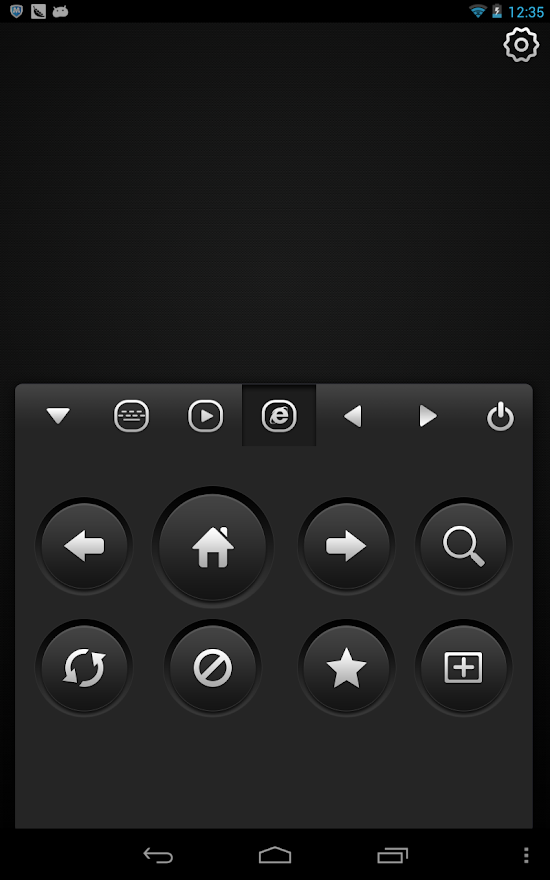
* Remote explorer controller:
Unified remote control IE/Chrome and other internet explorer, you can close the tab,
go to home page,create new tab, go to favorite list, refresh the current page and so on.
* PPT Presentation controller:
You can start/stop Power Point /Keynote, and turn the next/previous page for presentation.
* Auto-connect on application startup
* PC/Mac window controller:
Maximize/Minimize/close the current window.
* Compatible with XP/Windows Vista/Windows 7/Windows 8/Mac OSX/Linux (Ubuntu).
Gestures:
* Tap-to-click
* Tap and move for drag
* Two finger tap for right click
* Two finger scroll
* Pinch to zoom
* Three finger drag or highlight
* Four finger swipe down to show desktop
* Four finger swipe up to maximise current window
* Four finger swipe sideways to change current window focus
* Left handed mouse support (swap left and right mouse click)
* Show desktop when hands over proximity sensor
Note:
1, WiFi Mouse only support Wi-Fi connection(wireless mouse), Bluetooth is not support.
2, More gesture will be added.
3, XMBC will be supported next month.
What's New
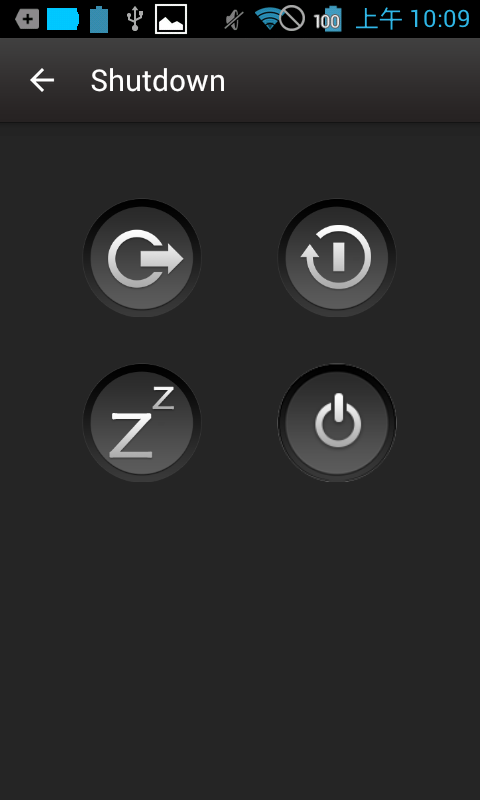
1, Add sleep,logout,restart features, please download v1.5.2 mouse server for Pc/Mac.
2, Add auto scan server option, it's the default action.
3, Fix other issue. Apps Details
-Price: $4.40
-Version: 1.6.1
-Size: 2.6 MB
-Required android: 2.3 and Up
-Developer: Necta
Description
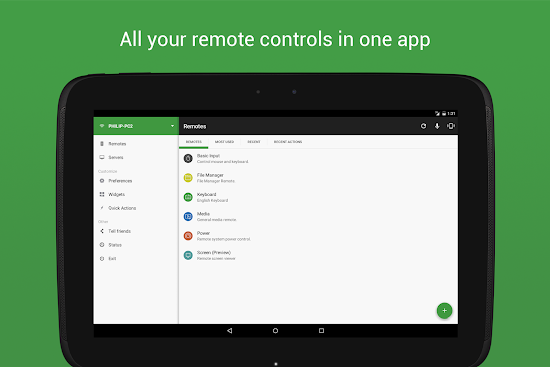
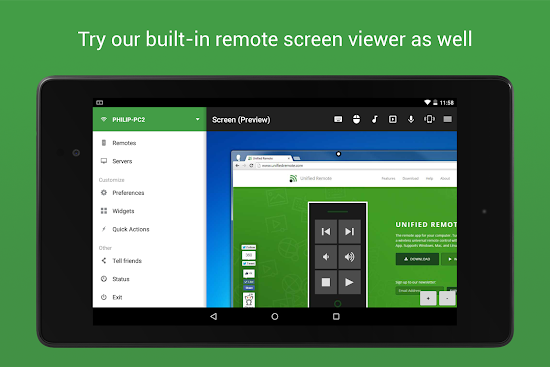
Easily the most feature-filled computer remote. Turns your device into a WiFi or Bluetooth universal remote control for your Windows PC. Mac and Linux support also available (beta). Control your favorite programs, mouse, and keyboard.
Server: www.unifiedremote.com
“Fantastic tool for those of you who want to have a remote control for their computer for watching TV, or maybe for listening to music.” – Gizmodo
Key Features:
• Easy server and app setup, that just works.
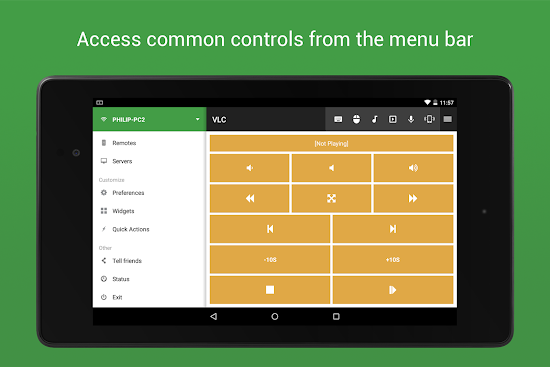
• Loaded with remotes to control many media applications, tools, system settings, etc.
• Basic Input remote to control mouse and keyboard.
• Automatic server detection to easily find servers on your network.
• Server password protection and encryption for added security.
• Supports single and multi-touch mouse control.
• Wake On LAN to easily start your server.
• Includes light and dark color themes.
• Server is available for Windows, Mac (Beta), and Linux (Beta).
• Control other devices including Raspberry Pi and Arduino Yún.
• 18 free remotes
Full Version Features:
• 40+ remotes
• Widgets & Quick Actions
• Voice commands
• Custom remotes
• IR actions
• NFC actions
Remotes in Free Version:
• Basic Input (remote mouse & remote keyboard)
• File Manager (browse computer files)
• Keyboard Remote
• Media Remote (basic media buttons)
• Power Remote (turn on/off and lock computer)
• Scroll Wheel Remote
• Slide Show Remote
• Spotify Remote
• Start / Launcher (open programs)
• Task Manager (switch active program)
• Windows Media Center Remote
• Windows Media Player Remote
• VLC Remote
• YouTube Remote
Remotes in Full Version:
• Create and use Custom Remotes
• Basic Input (remote mouse & remote keyboard)
• Boxee Remote
• BSPlayer Remote
• Command Remote (execute terminal/console commands)
• Chrome Remote
• File Manager (browse computer files)
• Firefox Remote
• foobar2000 Remote
• GOM Player Remote
• Google Music Remote
• Google Presentation Remote
• Hulu Remote
• Internet Explorer Remote
• iPhoto Remote
• iTunes Remote
• J River Media Center Remote
• Keyboard Remote
• Keynote Remote
• KMPlayer Remote
• Mac OS X Remote
• Magnifier Remote (screen magnifier)
• MPC HC Remote
• Media Remote (basic media buttons)
• Media Portal Remote
• MediaMonkey Remote
• Monitor Remote (turn monitor on/off)
• MusicBee Remote
• Navigation Remote
• Netflix Remote
• Number Pad Remote
• Opera Remote
• Pandora Remote
• Picasa Remote
• Plex Remote
• PowerPoint Remote
• Power Remote (turn on/off and lock computer)
• QuickTime Player Remote
• Safari Remote
• Scroll Wheel Remote
• Send Text Remote (type text to computer)
• Slide Show Remote
• Spotify Remote
• Start / Launcher (open programs)
• Task Manager (switch active program)
• Tellstick Remote
• Tellstick Live Remote
• Twitch TV Remote
• USB-UIRT Remote
• Winamp Remote
• Windows 8 Remote
• Windows Media Center Remote
• Windows Media Player Remote
• Windows Photo Viewer Remote
• VLC Remote
• XBMC Remote
• YouTube Remote
Permissions:
• INTERNET: for server connection.
• BLUETOOTH: for server connection.
• WAKE_LOCK: for optional wake-lock.
• READ_PHONE_STATE: for auto-pause.
• ACCESS_WIFI_STATE: for server connection.
• VIBRATE: for optional haptic feedback.
• ACCESS_NETWORK_STATE: for server connection.
• NFC: for NFC actions.
• INSTALL_SHORTCUT: for launcher shortcuts.
• CHECK_LICENSE: for licensing checking.
• TRANSMIT_IR: for IR remote control. Apps Details
-Price: $1.75
-Version: 3.2.0
-Size: 10 MB
-Required android: 1.6 and Up
-Developer: Unified Intents
Description
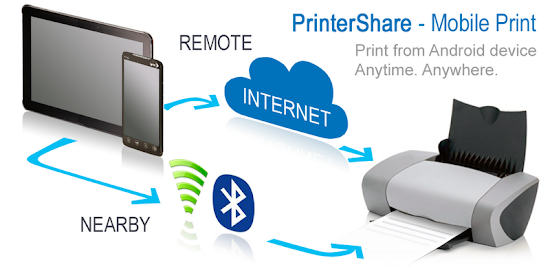
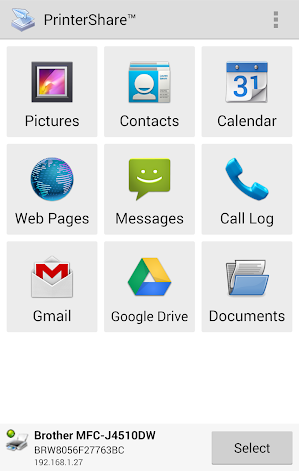
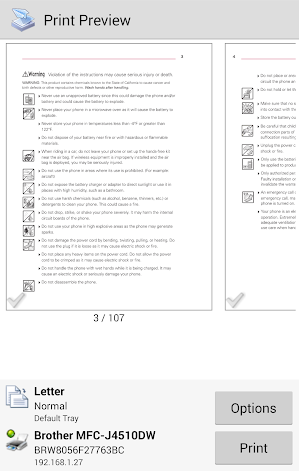
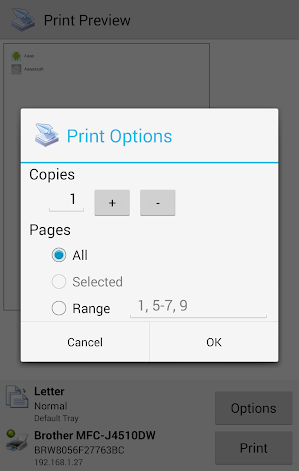
Wirelessly print documents, bills and invoices (MS Office: Word, Excel, Powerpoint; PDF and text files) from device memory, SD card and even from Google Drive (Google Docs)!
Instantly print emails from Gmail, print photos and images (JPG, PNG, GIF), also print contacts, agenda, sms/mms, call log, web pages (HTML) and other digital content directly from your device to a printer right next to you or anywhere in the world!
For unlimited printing you need to purchase PrinterShare Premium Key, which is a separate small application that simply needs to be on the device to unlock Premium Features. Prior to buying the key we highly recommend printing the test page to ensure compatibility with your printer.
Premium Features:
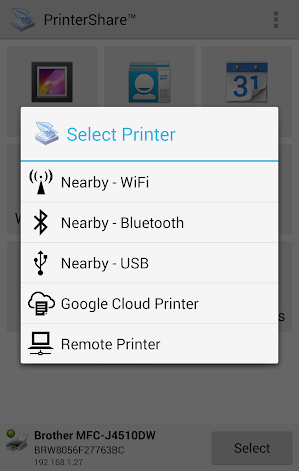
* Nearby direct printing via Wi-Fi, Bluetooth and USB without PC;
* Nearby printing to Windows shared (SMB/CIFS) or Mac shared printers;
* Unlimited Remote printing. The receiving end (Windows or Mac) would not have to buy pages or subscribe.
Please note:
1) PrinterShare supports Google Cloud Print at no extra-charge. Google Cloud Print requires latest version of Chrome browser on your computer. For more setup instructions please read http://www.google.com/support/cloudprint/
2) If something isn't working as expected, send us email to support@printershare.com. Posting comments about it does not help anyone, and we can't respond.
PrinterShare are supporting a wide variety of HP, Epson, Canon, Brother, Samsung, Kodak, Dell, Lexmark and other printers including legacy networkable. Apps Details
-Price: $12.95
-Version: 10.6.3
-Size: 1.9 MB
-Required android: 1.5 and Up
-Developer: Mobile Dynamix
Description
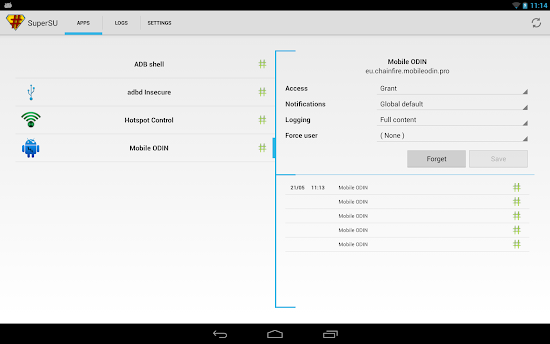
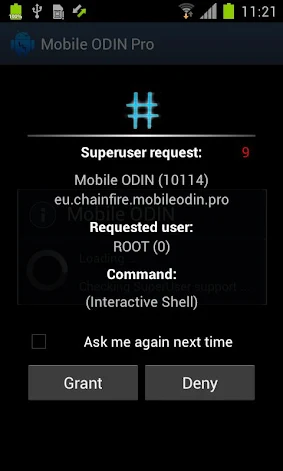
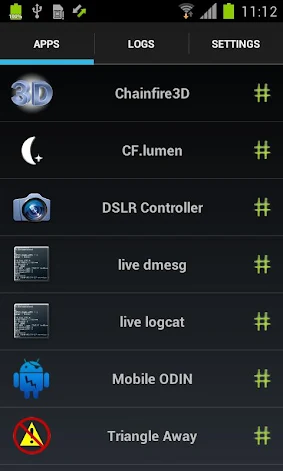
#This is a license file for SuperSU. This is NOT a stand-alone app. You need SuperSU already installed. Reboot after installation !!!
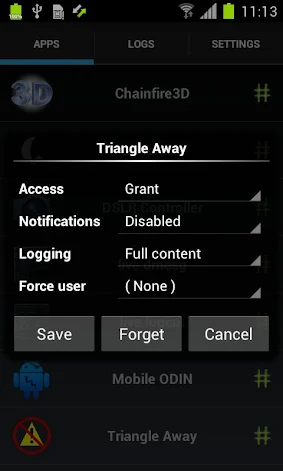
SuperSU Pro adds the following features to your SuperSU installation:
- OTA survival mode (no guarantees)
- Full color-coded command content logging (input/output/error)
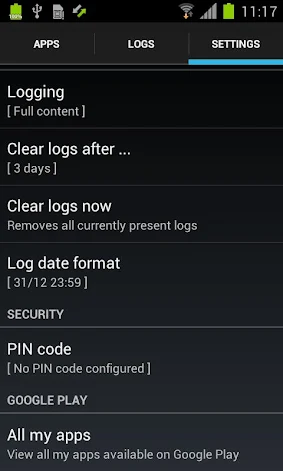
- Per-app logging configuration
- Per-app user override
- PIN protection
See the SuperSU app description for further details on SuperSU.
Note that SuperSU Pro is rarely updated - most of the updated code goes directly into the main SuperSU app. That is the one you need to update.
What's New
-Manifest and graphics adjustments Apps Details
-Price: $2.74
-Version: 2.36
-Size: 2.7 MB
-Required android: 2.1 and Up
-Developer: Chainfire
Description
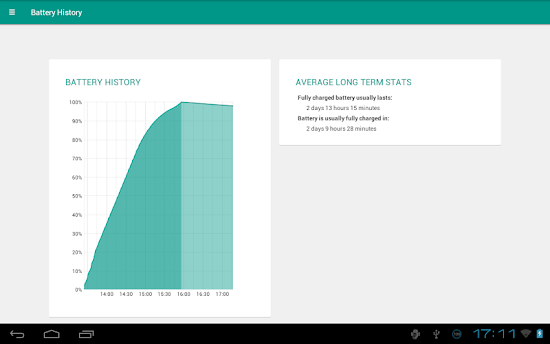
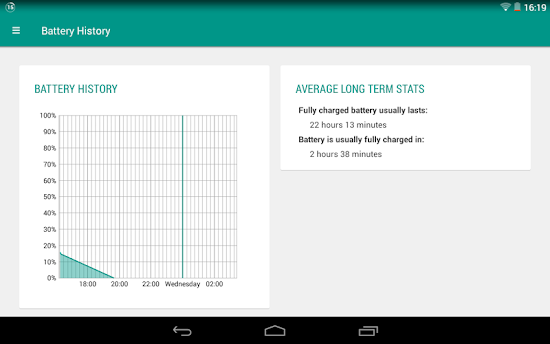
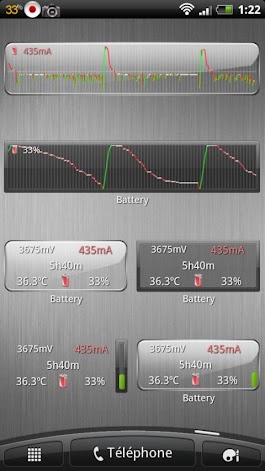
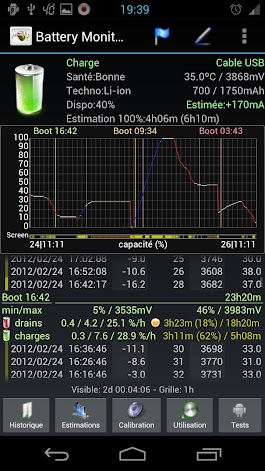
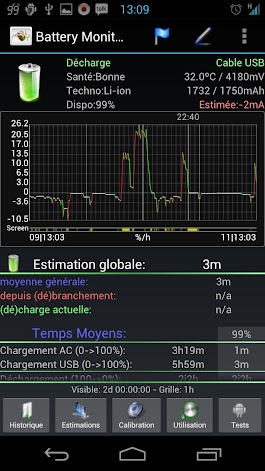
The most complete tool to manage your battery: Shows historical data (%, mA, mW, mV and temperature), calculates estimated run-times and battery aging, helps calibrate battery and improve your battery run-time.
NB:
- NOT all phones report accurate mA - Check app web-site for more information
- The app displays the % remaining, voltage and temperature data reported by Android OS
- Android battery stats have nothing to do with % calculations
Measures real battery capacity using historical data!
Display all information using great looking graphics, fully scrollable and zoomable.
Use additional packages to show great looking icons in notification bar
Display historical graphics or battery data on your home screen using widgets of various sizes!
Triggers alarm based on battery data (voltage and temperature limits)
Manually resets battery calibration/statistics on rooted phone
Support Motorola Defy/Atrix 1% reporting
Online help accessible from settings
Export data to System Tuner Pro to analyze which process is responsible for battery drain!
Lowest battery consumption on the market! Disable history/graphics for even lower consumption! Check web-site for app consumption and supported phones.
#Bluetooth permission is used to cope with ICS bug reading battery stats on some devices, app does not actually use bluetooth at all Apps Details
-Price: $3.95
-Version: 3.1.7
-Size: 1.3 MB
-Required android: 2.1 and Up
-Developer: 3c
Description
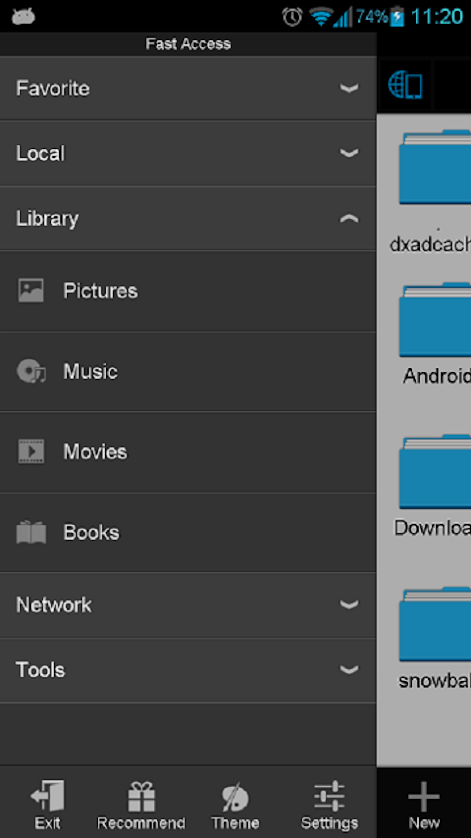
ES, 300 millions global downloads, file manager trend leader on Android!
Rated as one of best resource management tools on Android market.
ES File Explorer is a free, full-featured file and application manager.
It functions as all of these apps in one: file manager, application manager, task killer, download manager, cloud storage client (compatible with Dropbox, Google Drive, SkyDrive, Box.net, Sugarsync, Yandex, Amazon S3, and Ubuntu One...), FTP client, and LAN Samba client.
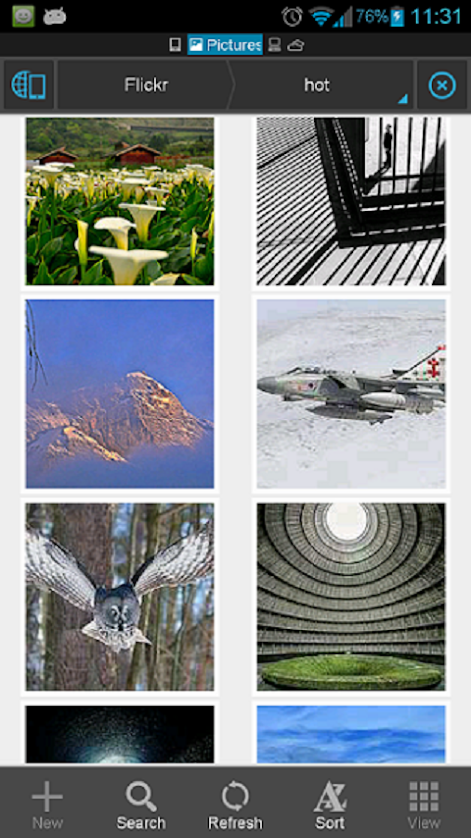
It provides access to pictures, music, video, documents, and other files on both your Android devices and your computers.
ES File Explorer allows Android users, no matter where they are, to manage their resources freely. You can access all of your files from your mobile device and share them with others. This app makes it easy to stay connected over 3G, 4G, EDGE, or Wi-Fi to share with friends, upload photos, and watch videos.
Features List:
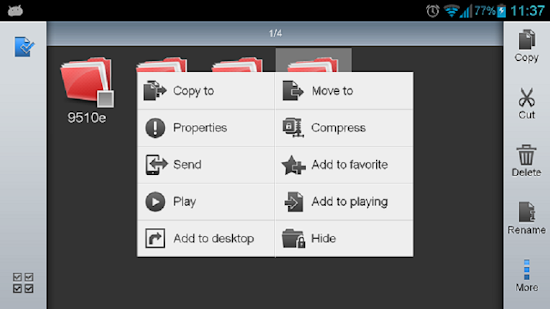
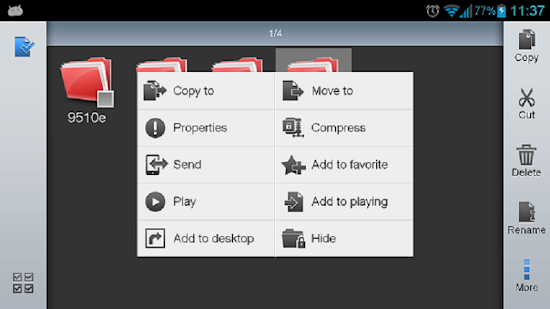
* File Manager – Manage your files like you do on your desktop or laptop using Multiple Select, Cut/Copy/Paste, Move, Create, Delete, Rename, Search, Share, Send, Hide, Create Shortcut, and Bookmark; operations can be performed on local files (on Android device) or remotely (on your computer)
* Application Manager – categorize, uninstall, backup, and create shortcuts to your apps
* Remote File Manager – when enabled, manage files on your phone from your computer
* Built-in ZIP and RAR support allows you to compress and decompress ZIP files, unpack RAR files, and create encrypted (AES 256 bit) ZIP files
* Built-in viewers and players for various file types, including photos, music, and videos; supports third-party applications, such as Quick office, for opening others
* Shows thumbnails for APKs and images
* Text viewers and editors
* Access your home PC via WiFi with SMB
* Functions as your FTP and WebDAV client. Manage files on FTP, FTPS, SFTP, and WebDAV servers just like you manage files on your SD card
* Supports Dropbox, Box.net, Sugarsync, Google Drive (Google Docs is now a part of Google Drive), SkyDrive, Amazon S3, Yandex and more.
ES File Explorer is an enhanced cloud storage client with more functions than the official versions,
it can save photos, videos, and other files to your internet drives and share them with others.
* Bluetooth file browser You can copy and paste files between Bluetooth ready devices. It supports OBEX FTP for browsing devices and transferring files between Bluetooth devices.
* Kill tasks with a single click, increase memory and speed up your device -- includes a simple widget that stays on your home screen for knowing your current RAM situation and automatically killing tasks, with an ignore list to ignore the applications you want to keep running.Task Manager module required
* Cache Cleaner and Autostart manager -- Delete those junk files that take up valuable storage space.Task Manager module required.
* Root Explorer -- the ultimate set of file management tools for root users. Provides access to the entire file system and all data directories, and allows the user to change permissions.
* Developers can visit our website for the developer interface for picking files from your applications, emailing attachments, etc.
* More features to come
We’re working to create the best file manager on Android, so plz do not hesitate to CONTACT US with your comments, suggestions, issues.
What's New
*Support Android 5.0 lollipop
*Permission Manager plugin(for root) Apps Details
-Price: Free
-Version: 2.3.2
-Size: 4.4 MB
-Required android: 2.1 and Up
-Developer: ES APP Group